Medium
Sub-heading
Medium
Regular
Headline
Button
Sub-heading
Text
16px
23px
18px
16px
1. Status
2. Accession Number
3. Created Date
4. Scheduled Date
5. Patient ID
6. Patient Name
7. DOB
8. Age: Sort/unsort
9. Sex: Filter
10. Modality: Filter
1. Status
2. Accession Number
3. Created Date
4. Scheduled Date
5. Patient ID
6. Patient Name
7. DOB
8. Age: Sort/unsort
9. Sex: Filter
10. Modality: Filter
11. Diagnosis Results: Filter
12. Physician: Filter
1. Name
2. Age
3. Gender
4. Address
5. Aadhar
6. Description
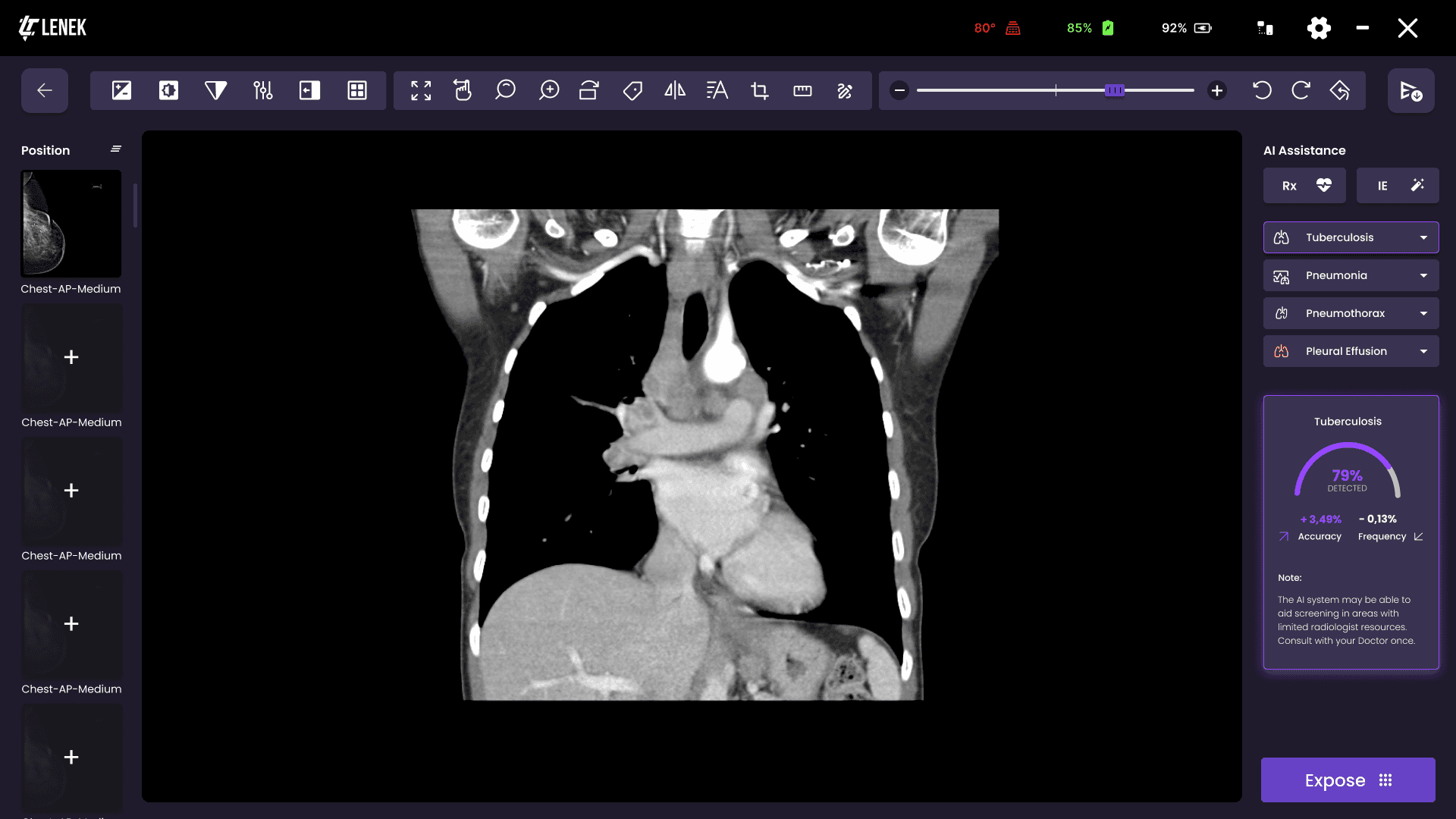
1. Once the image is validated, AI will start auto diagnosing the scan after matching the position.
2. Image transformation tools to adjust image features.
a. Full view
b. Pan
c. Zoom
d. Magnify
e. Rotate
f. Label (L, R, etc.)
g. Flip
h. Free text label or annotation.
i. Distance (Length)
j. Ellipse
k. Rectangle
l. Bidirectional
m. Angle
3. Image manipulation techniques
a. Brightness
b. Contrast
c. Sharpness
d. Histogram Equalizer
e. Invert
f. Grid selection
Select position preview and take exposure.
After the exposure, the received image is validated by cropping and saved.
1. Accession Number
2. Modality
3. Positions: A skeleton to select following fields
a. Body Part
b. View selection
c. Patient Size (XS, S, M, L, XL)
4. Performing Physician
5. Scheduled Date
6. Study Notes iii.
Reset All: Clears the input fields.
iv. Save: Patient will register to the worklist.
v. Exam: Will register the patient and start the exam.
1. Patient Name
2. Patient UID
3. Created Date
4. Start Date
5. End Date
6. Clear Search
7. Search
1. Navigate to Viewer
2. Details of the study
a. Description: Body part and view.
b. Series
c. Diagnosis Results
d. Modality: CR/CT/MR/US
e. Instances
1. Navigate to Viewer
2. Details of the study
a. Description: Body part and view.
b. Series
c. Diagnosis Results
d. Modality: CR/CT/MR/US
e. Instances
Patient Info
Viewer
Patient Info
Patient Info
Export
Expose
Study info
Start
Sign In
Filter
Dropdown viewer
Worklist
Dropdown viewer
Add
Completed
Login
Admin Login
Help
Register New Patient
Analyzing scans
PRODUCT DIFFICULTY
User Flow Diagram
PRODUCT SYSTEM
Typeface
PRODUCT VALUE
Purpose
The purpose of this software is to provide end users the workflow such that they can conduct x-ray examination in an easier and faster way.
Software will have inbuild AI diagnostic features which will be used for screening TB or chest specific diseases in masses.
ABCDEFGHIJKLMNOPQRSUVWXYZ
abcdefghijklmnopqrstuvwxyz
123456789’/!(%)#{@}/&><
Font
Poppins
Color Palette
#400B87
#6742C6
#393250
#BCA8EF
#574D78
#D9D9D9
Signifiers
#FF0000
#00DD16
PRODUCT JOURNEY
User JOURNEY
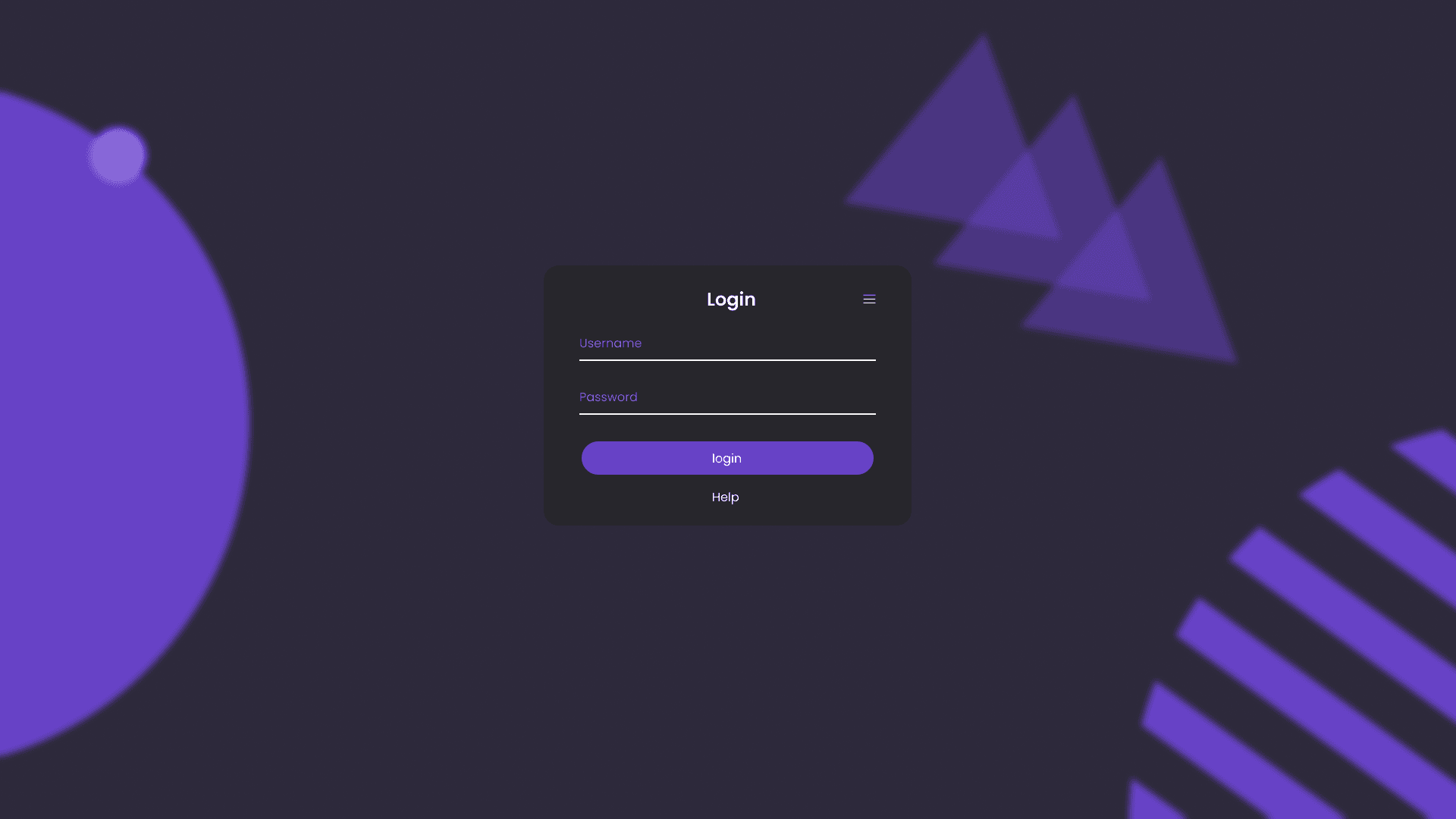
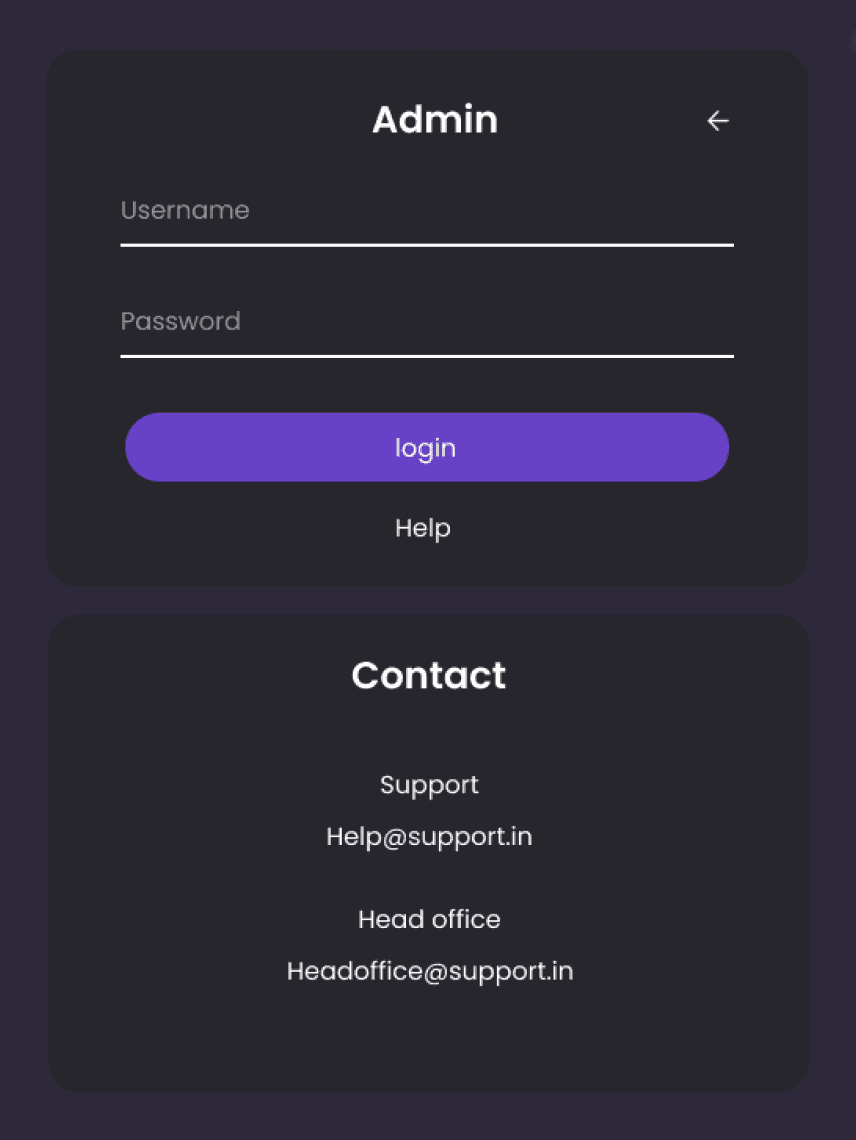
Added a section for admin login which stand different than the user login and provides extra administrational features
Image enhancement with AI and auto severity recognition all through AI.
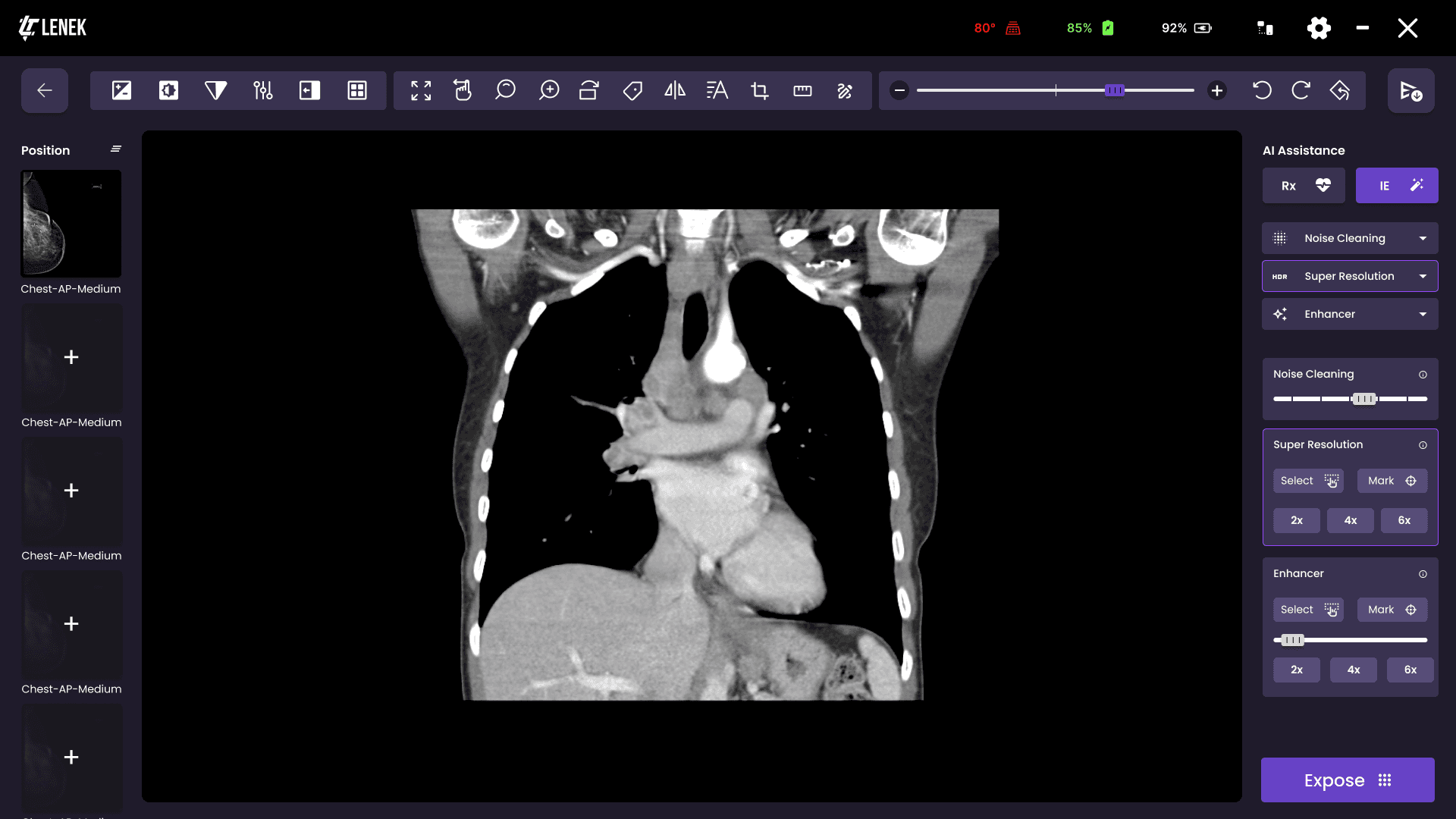
Feel like you missed something no problem, get it added
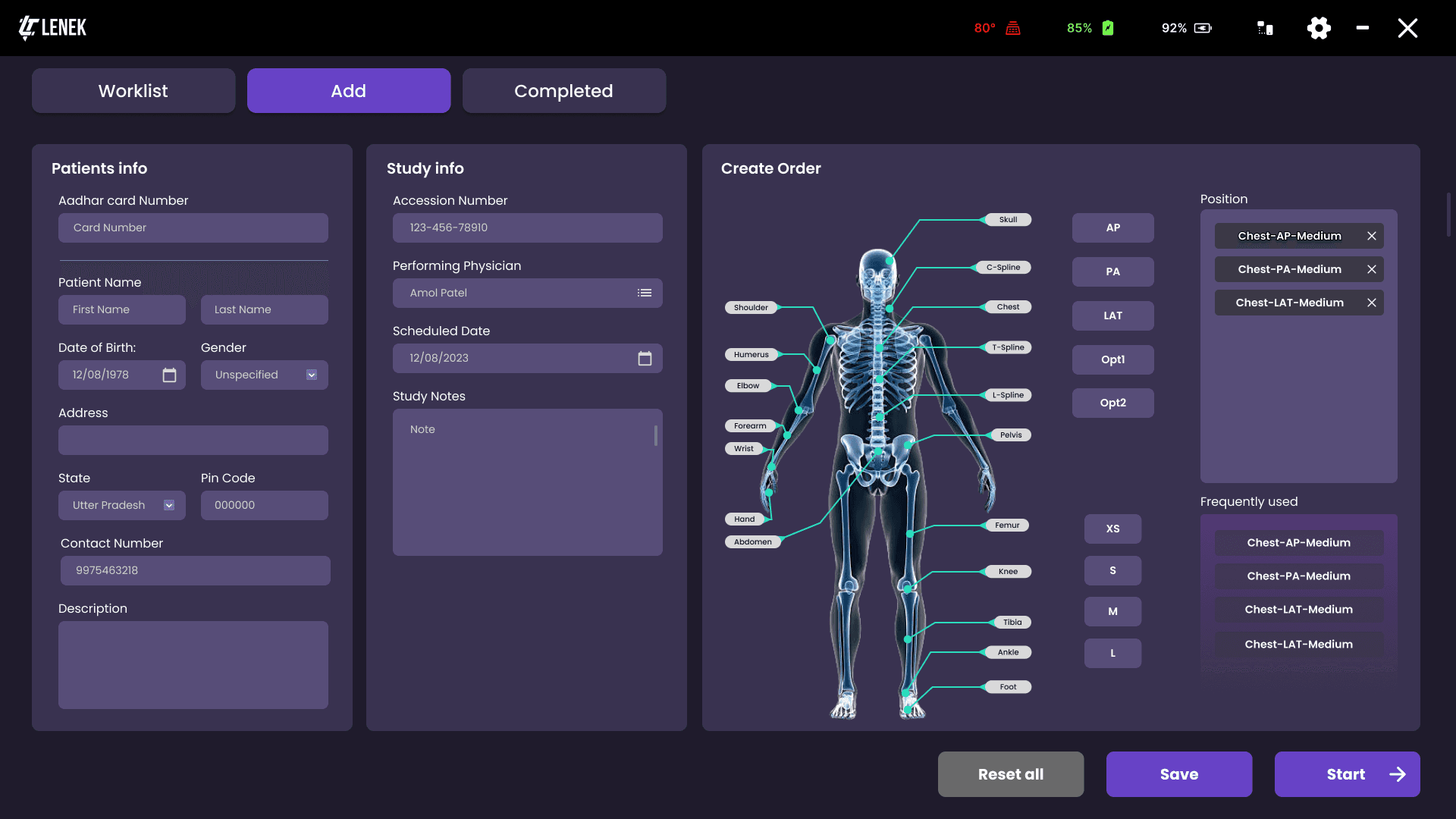
Switchable tabs for instant access to client form or pass through in case of emergency scanning.
Easy body part dedicated buttons to make form instanton process quick
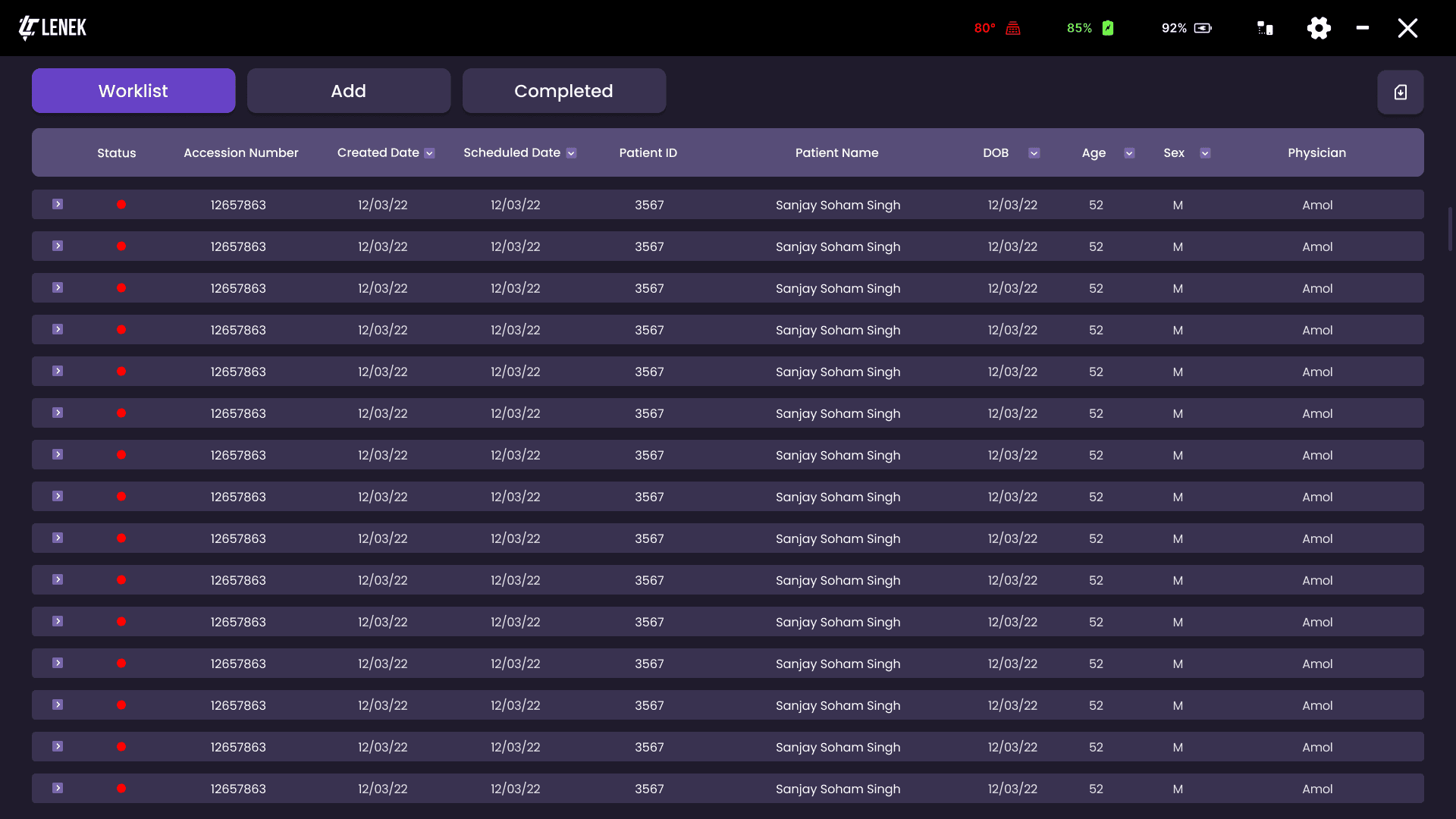
Preview mode to take a quick look at what all test are done.

ERA HAS FINALLY BEGUN
MUCH APPRECIEATED
Thanks for watching!

PRODUCT ASPECTS
About the product
Handheld X ray generator
Lightweight: Easy transport to hard to reach locations.
AI & IoT enabled-Remote Monitoring, Faster scan results.
Affordable about 30 to 40% less compared to imports.
TB -Detection tool
For screening of TB.
Provides assistance in diagnosis.
Increases diagnosis accuracy.
Reduce burden on radiologist.
Continuous improvement.
X-Ray imaging software
Connected with generator and detector.
Simple UI for mass screening.
2021
2022
2023
2024
2025
2026
2027
Project under Indian Council of Medical Research Government of India
Xray Machine Interface
Advanced Diagnostic Imaging Solutions at Point of Care
Product Challenges
Designing a product that will sustain and will be easier to operate for an operator as well as determining the results.
Designing the interface in such a way that operator would be able to understand and navigate through all the commands of the system, so that he can collect maximum samples for the better.
Prepare a model will you use AI to determine and detect the symptoms are early infection of tuberculosis, Pneumonia, Pneumothorax, Pleural Effusion.
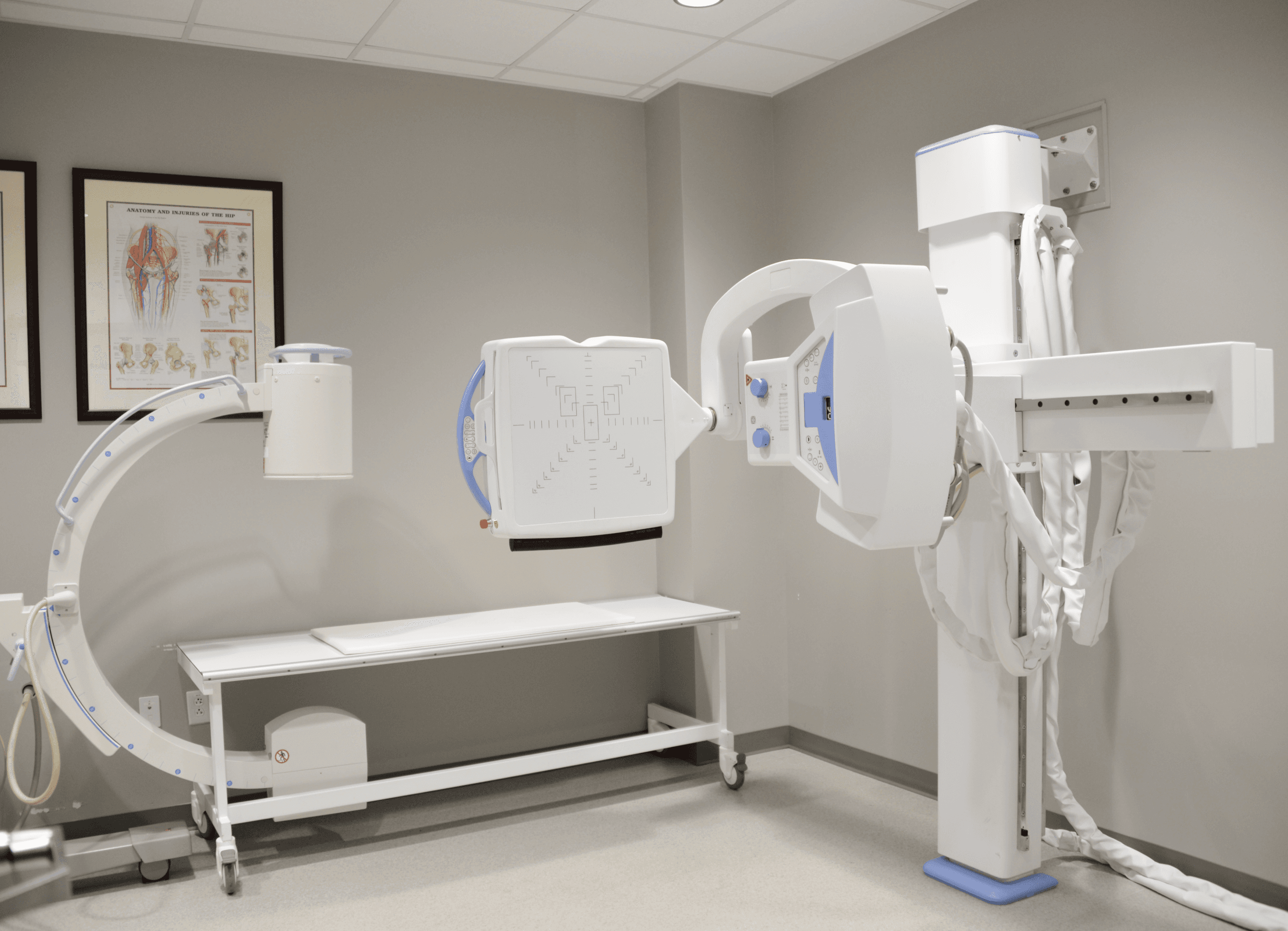
As in India lot of people suffer with lunge related problems. Not only urban cities are facing this problem due to pollution and other causes but also rural areas and villages are facing lot of issues.
Lenektech is a start-ups which is trying to solve this problem under the initiative of Indian Council of Medical Research by developing a product which would be easier and convenient to carry to villages and rural areas for regular check ups.
It has been observed that there are lot of increase in tuberculosis, Pneumonia, Pneumothorax, Pleural Effusion cases. And usually the people who reach government facilities tends to approach In the final stage of their disease.
Pleural Effusion cases. And usually the people who reach government facilities tends to approach In the final stage of their disease.
Product Design
Software integration
PRODUCT VALUE
Project goals
Customization
Maximum customization allowed according to the specific statical data required, depending on region.
Visual navigation
As medical term and acronyms could create confusion, it should be made simpler for anyone to operate.
Easy Navigation
The dataset will be huge in this case, individual patents may have multiple scans & search could be critical.
Smart preview
File preview should be available at easy to access file in a much simpler way without loading whole file.
User Interface
Simple UI for mass screening. Should be operatable detective sector and background of people.
AI
AI operation should me made simpler as to understand how it works and how to read results.

Home
Projects
About